
Smart-Lock Battery Backup: A Practical Checklist
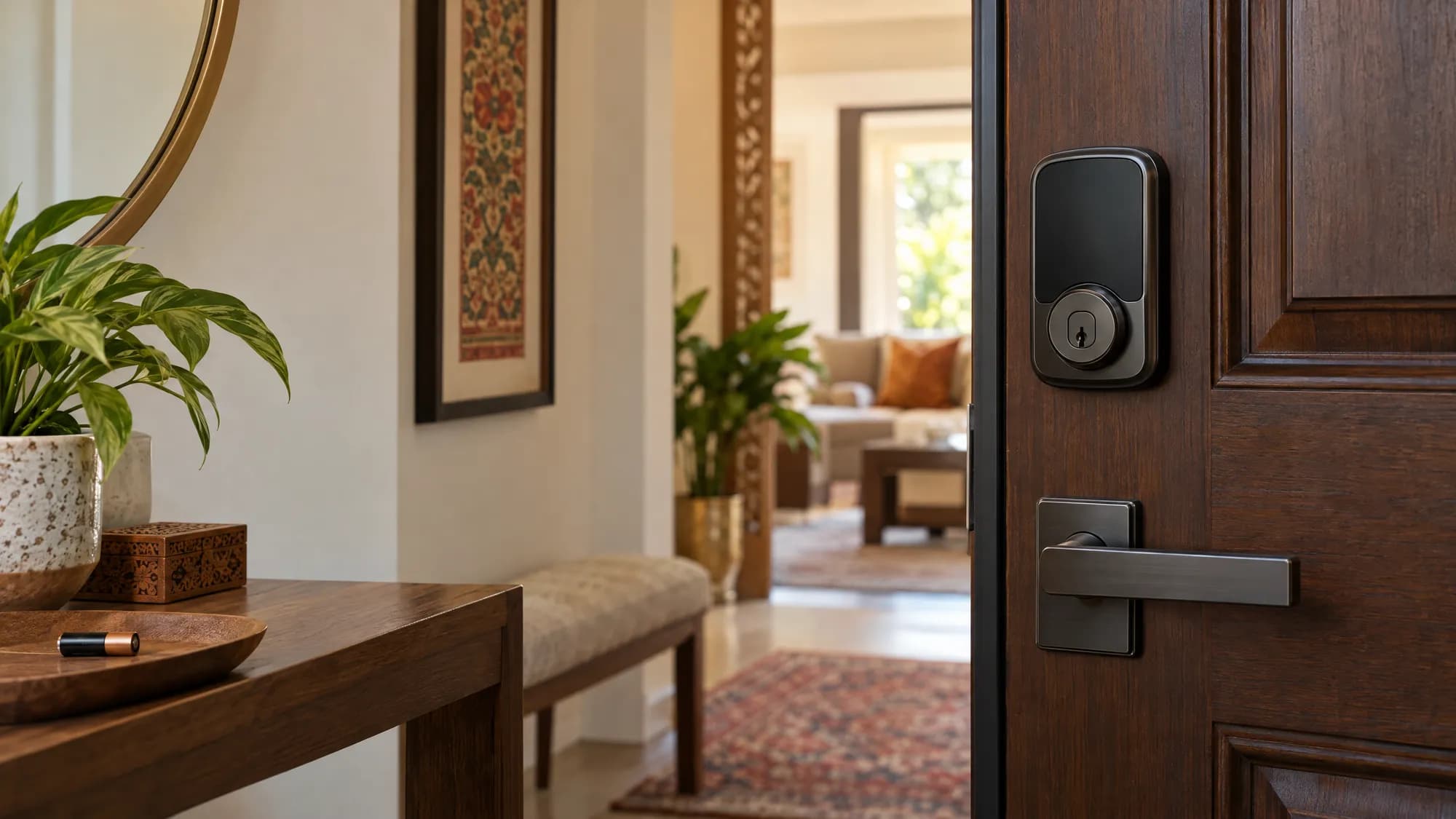
Smart-lock battery alerts and backup entry vary by model. Yale’s official Battery Insights guide says alerts depend on app and phone notification settings; for key-free Yale models, it describes temporary 9V emergency power, while keyed models use their physical key. The Yale Assure Lock SL manual shows the procedure for that specific lock. These are Yale examples, not universal features.
Check the exact manual
Before installation, confirm your model’s battery type, low-power warning, and fallback entry method. Enable supported app and phone alerts, and keep the correct spare battery accessible.
Test while the door is open
Set up your chosen access method and test the documented backup procedure before closing the door. Follow the model’s guide when replacing batteries. To check documentation or door-fit questions for a specific model, contact Jinnah with its name or model number.
Looking for matching hardware?
Explore our curated selection of door fittings, locks, and architectural hardware.